What an OnlyFans archiver should do
For a creator, archiving means keeping a local copy of supported media that is already available through your own account. The useful part is not just downloading files; it is making the process repeatable when your vault changes.
Start with a clear archive scope
Decide whether you are creating a full baseline backup, an archive for a specific campaign, or an incremental backup for a known time period. That choice determines whether vault-list browsing or date-range search is the better starting point.
Use batch selection for larger libraries
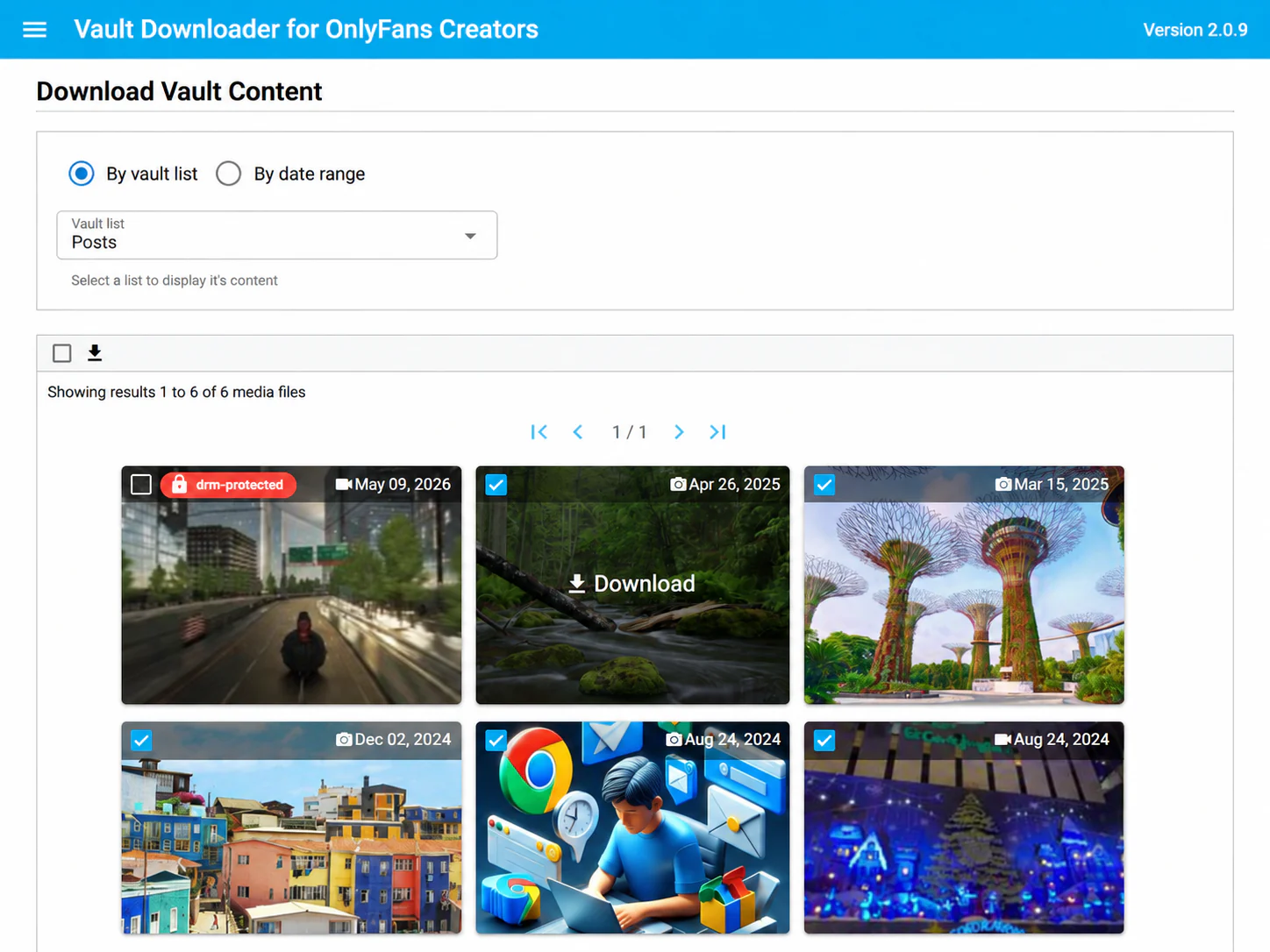
When you need many files, selecting supported media first and then downloading in batches reduces repetitive one-by-one interactions.
Keep local archives understandable
Use consistent creator folders, archive dates, and vault-list naming so you can understand the backup later. Verify important archives before relying on them for migrations or handoffs.
Vault Downloader as a creator archiver
Vault Downloader is designed as a creator-owned backup workflow: browse your vault, narrow the content, select supported media, and save it locally. DRM-protected media is not supported.