Where agencies lose time
The repetitive part of creator backups is rarely deciding what should be archived. It is the mechanical work of navigating lists, finding the right time period, and saving many individual files.
Build a repeatable archive checklist
- Confirm that the creator account is available and that the backup is authorized.
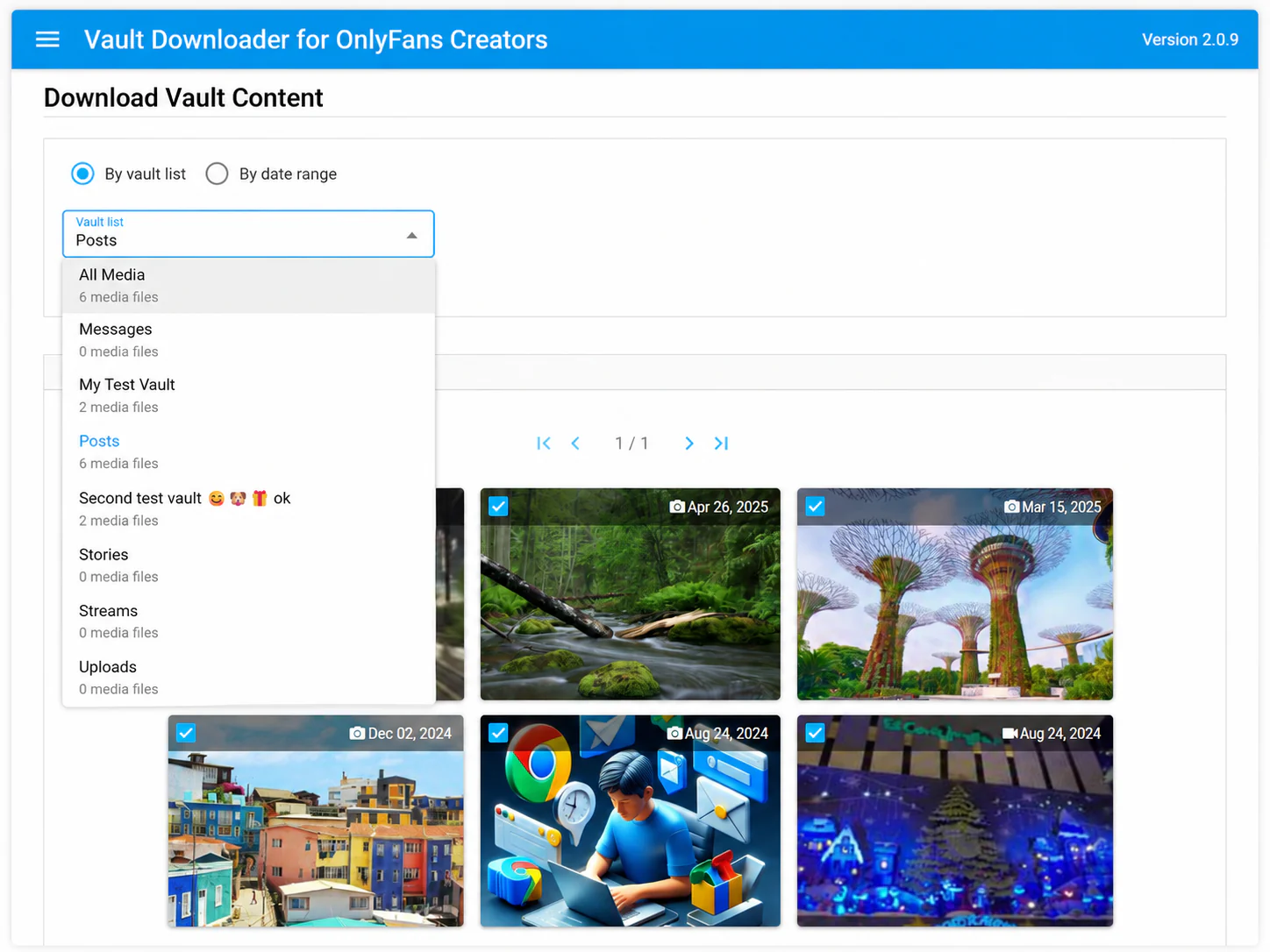
- Decide whether the archive should be organized by vault list, date range, or both.
- Use Vault Downloader to review and select supported media.
- Save the selected media in batches.
- Verify the local archive before completing a migration, handoff, or offboarding process.
Use consistent naming and archive periods
A tool can reduce clicking, but process consistency is what makes agency archives useful later. Keep creator folders, backup dates, and handoff notes consistent across accounts.
Use cases
- New creator onboarding and baseline backups.
- Creator offboarding before access changes.
- Account migrations and operational handoffs.
- Routine local archive updates for large creator libraries.
Scope and limitation
Vault Downloader is intended for supported media available through the creator account you are authorized to manage. DRM-protected media is not supported.
Managing a larger operation? Contact [email protected] to discuss agency licensing.