What a vault backup is
A vault backup is a local copy of media that is already available through your logged-in OnlyFans creator account. The goal is to make your own content easier to archive, migrate, hand off, or organize outside the platform.
Vault Downloader is designed specifically for creators working with their own vault content. It lets you browse vault lists, narrow content by date, select multiple supported files, and save them in batches.
Why manual downloading becomes slow
For a small vault, downloading individual files may be fine. The problem appears when a creator has hundreds or thousands of items spread across multiple vault lists. Opening each item, saving it, and repeating the process creates a lot of unnecessary clicks.
A simple bulk-backup workflow
- Install Vault Downloader from the Chrome Web Store and open it while signed in to your creator account.
- Choose the vault list you want to review, or switch to date-range search when you need content from a specific period.
- Select the supported files you want to save.
- Download the selected media in batches instead of saving every file individually.
- Keep the resulting local folders as part of your normal creator backup process.
Browse by vault list
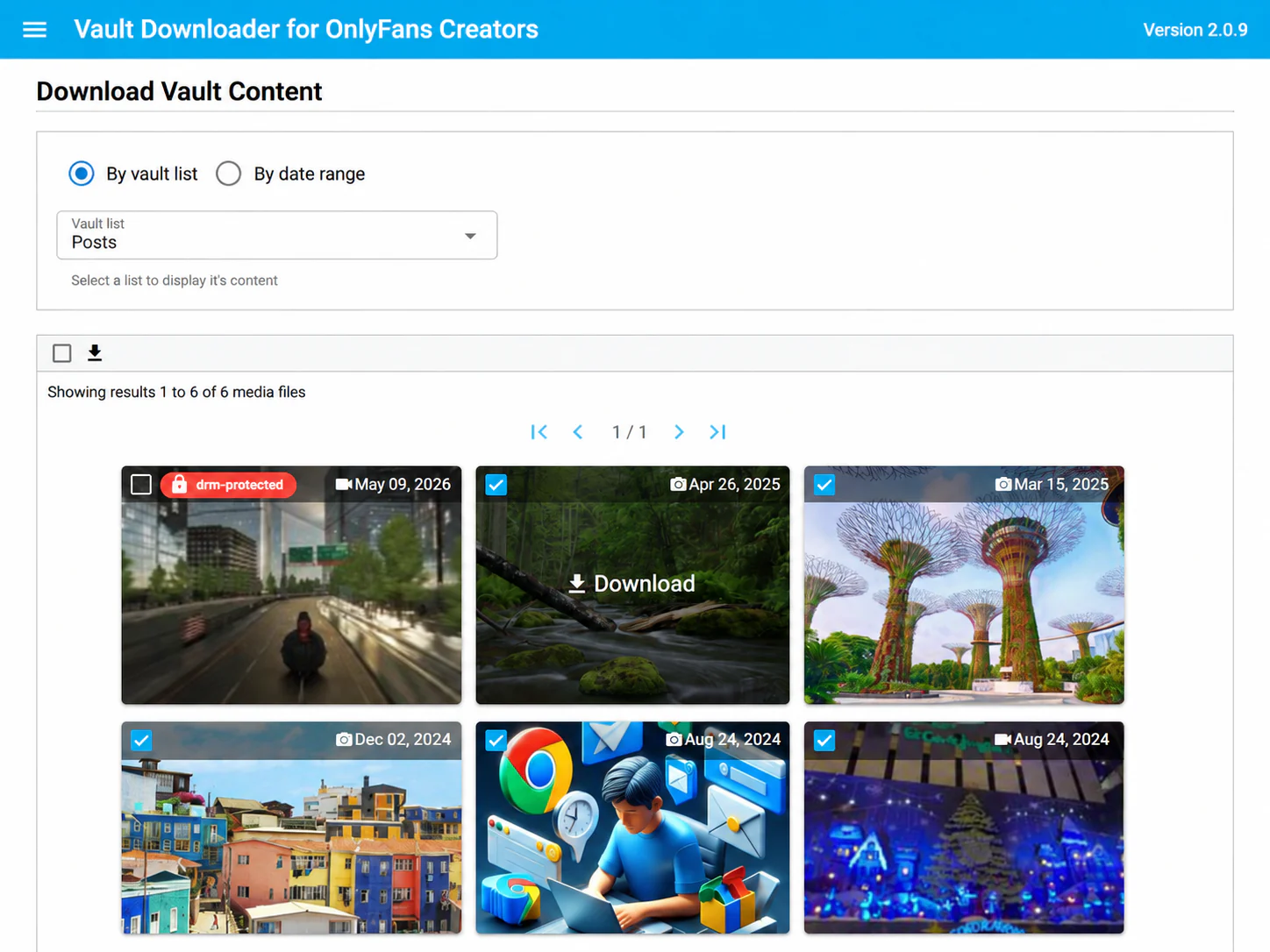
If your content is already organized into lists, browsing by vault list is usually the fastest starting point. You can move between lists and review the media available in each one before choosing what to save.
Search by date when you know the period
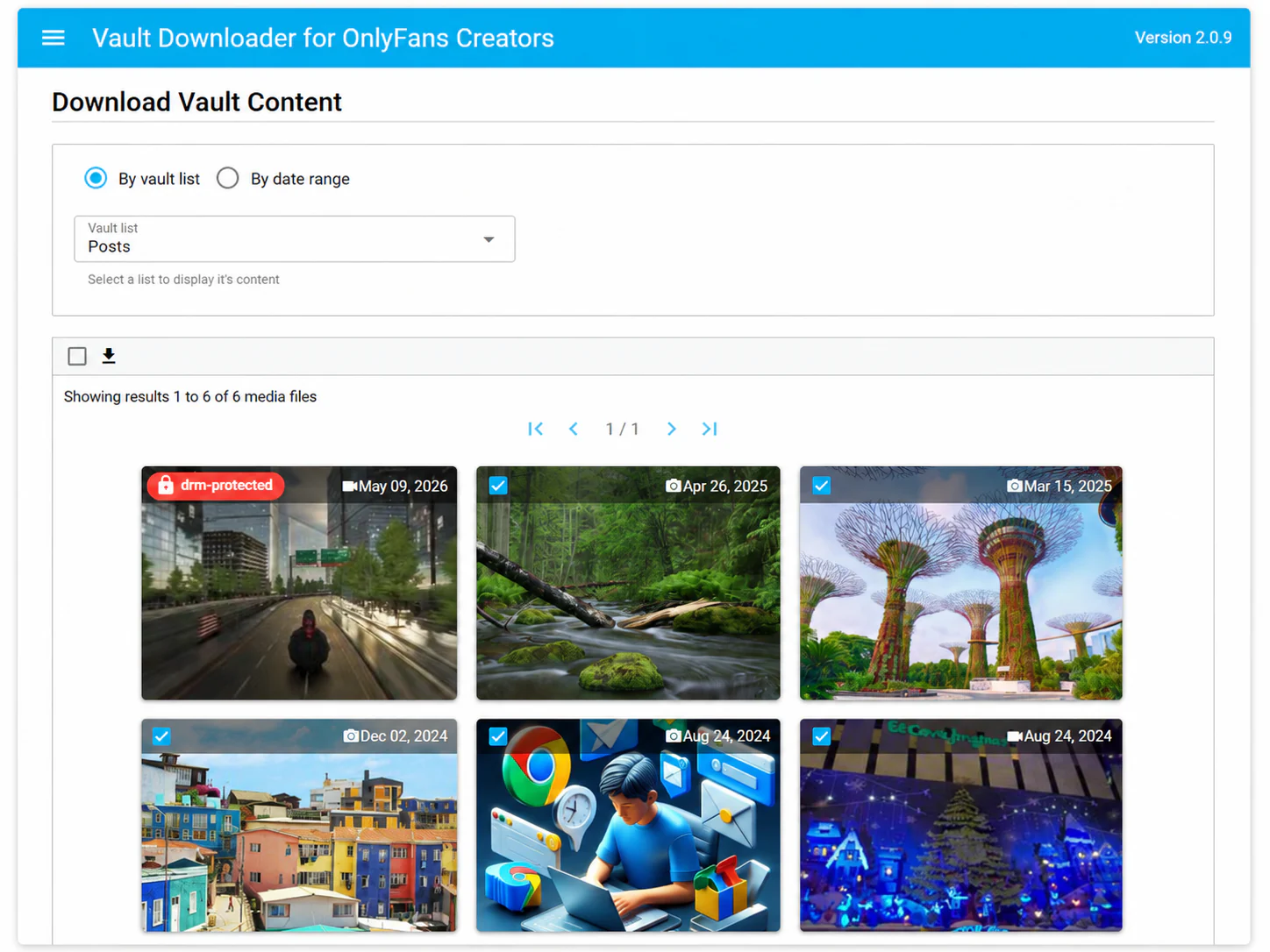
Date filtering is useful for migrations, campaign archives, monthly backups, or any situation where you only need media from a known time window. Instead of browsing every list manually, set the date range first and review the matching results.
What the free preview does
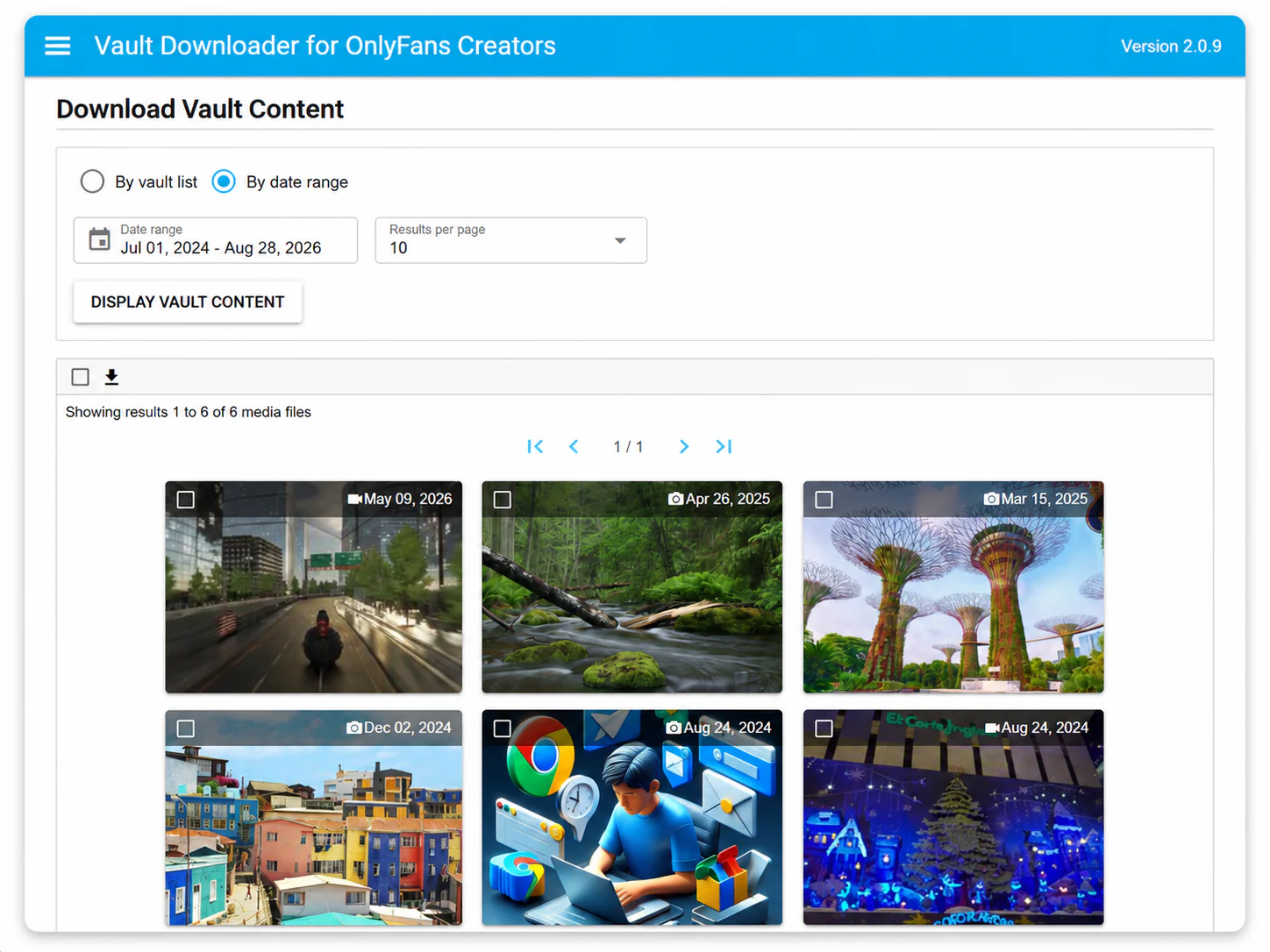
The free preview lets you inspect your vault and test the workflow before purchasing. Downloading is disabled in preview mode. A paid license is linked to the creator account email entered during checkout.
Important limitation
DRM-protected media is not supported. Vault Downloader is intended for supported media available through your own creator vault.
When a dedicated backup tool makes sense
A dedicated bulk workflow becomes useful when the cost of manual repetition is greater than the cost of using a tool. If you only need a few files occasionally, manual downloads may be enough. If you routinely archive larger libraries, bulk selection, date filtering, and list browsing can save substantial time.